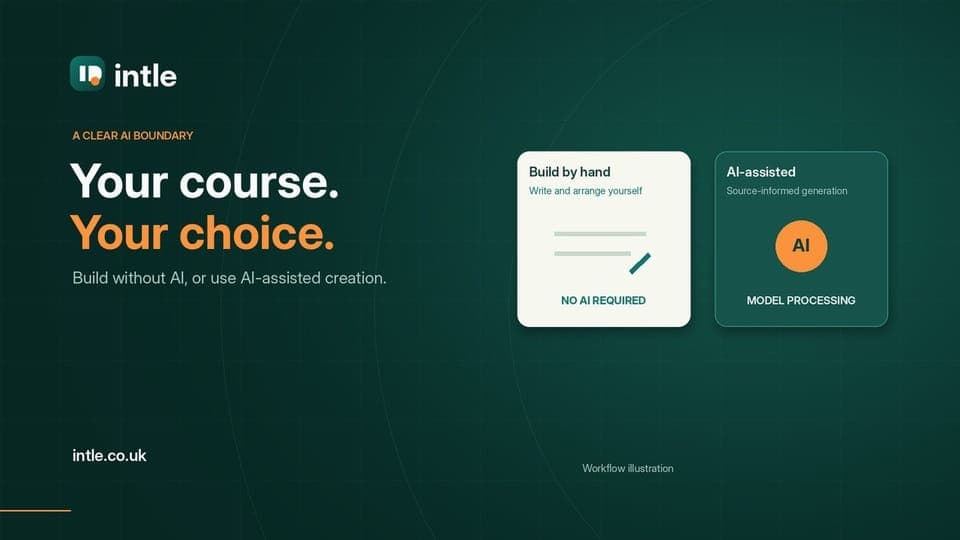
AI-assisted
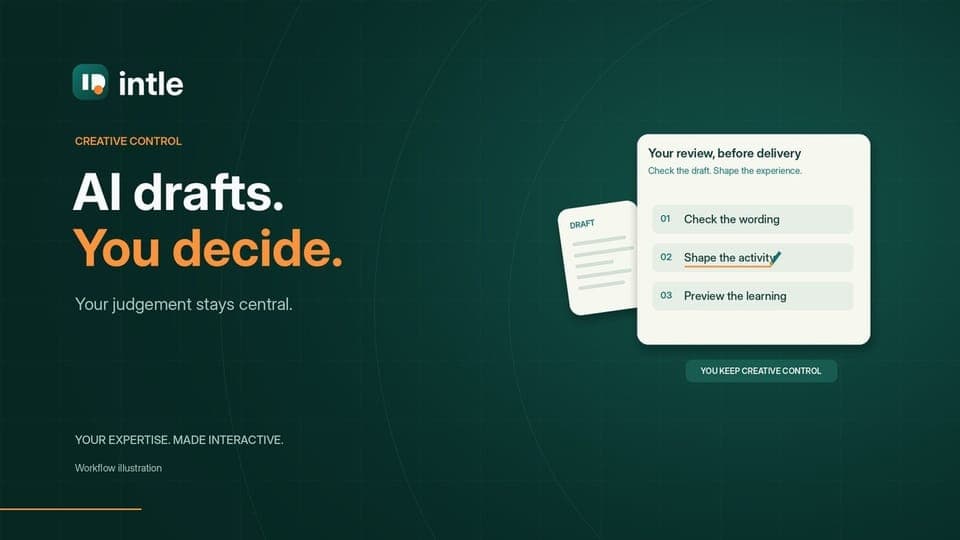
Input → proposed outline → preview and adjust → approve → generate.
Describe, Guide me, Design it or Extract.Build it yourself
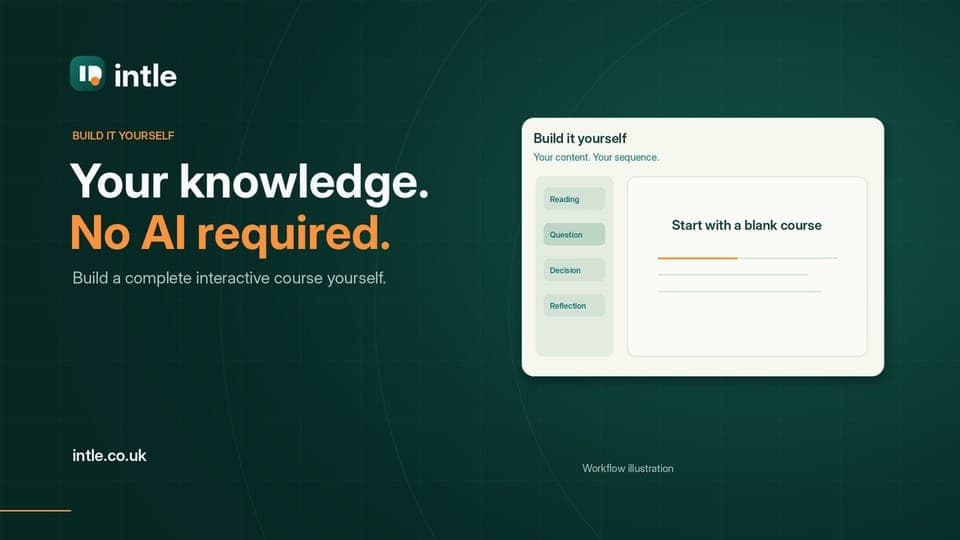
Start blank → write and arrange activities.
No AI-generation checkpoint. Preview the learner experience before publishing.Import SCORM
Inspect first.
Intle package → recover editable content.
Other SCORM → readable text → preview outline → approve → AI draft.↓
One visual editor. Your decisions.Group sections by topic → edit and reorder → style and brand → preview the learner view → check delivery
↓
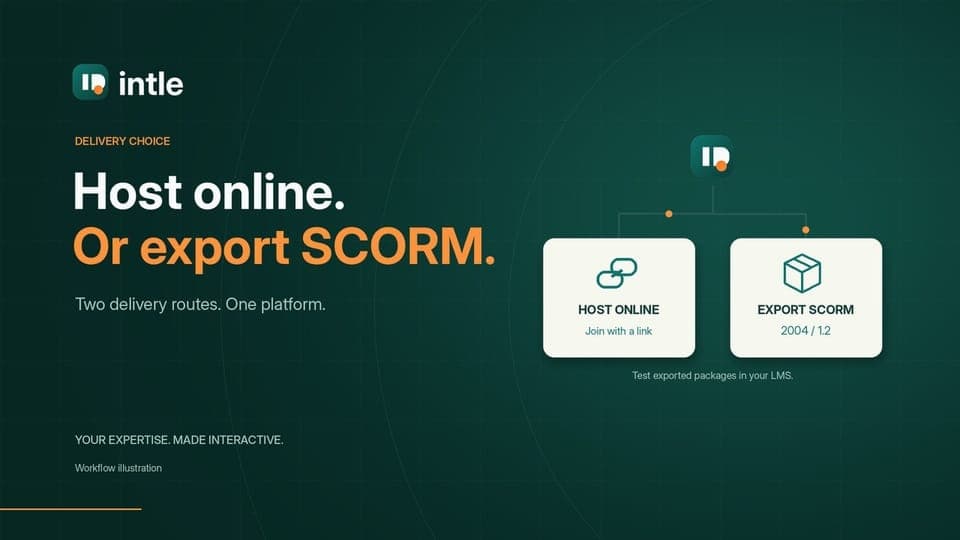
Host live
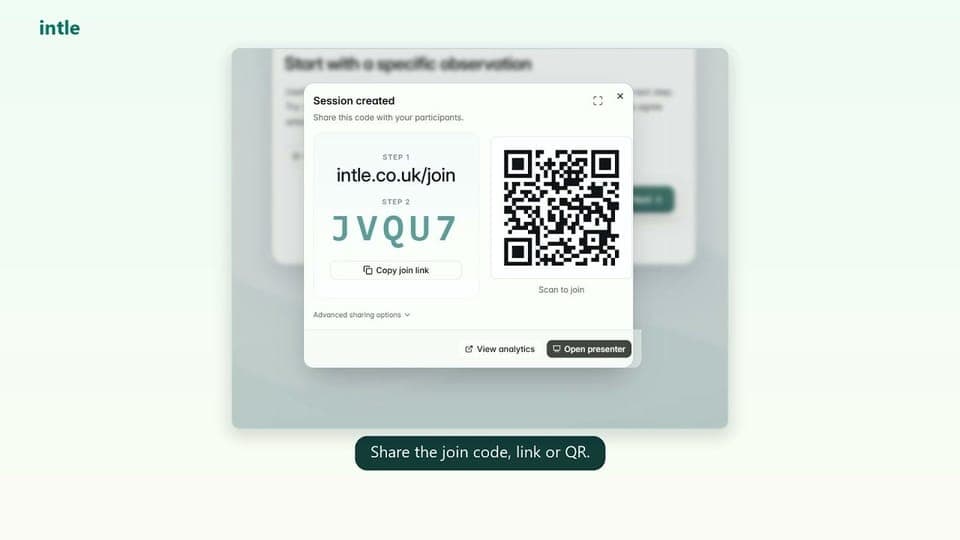
Set up → share link/code/QR → facilitate → hosted participation.Host self-paced
Set up → share access → independent progress → hosted reporting.Export SCORM
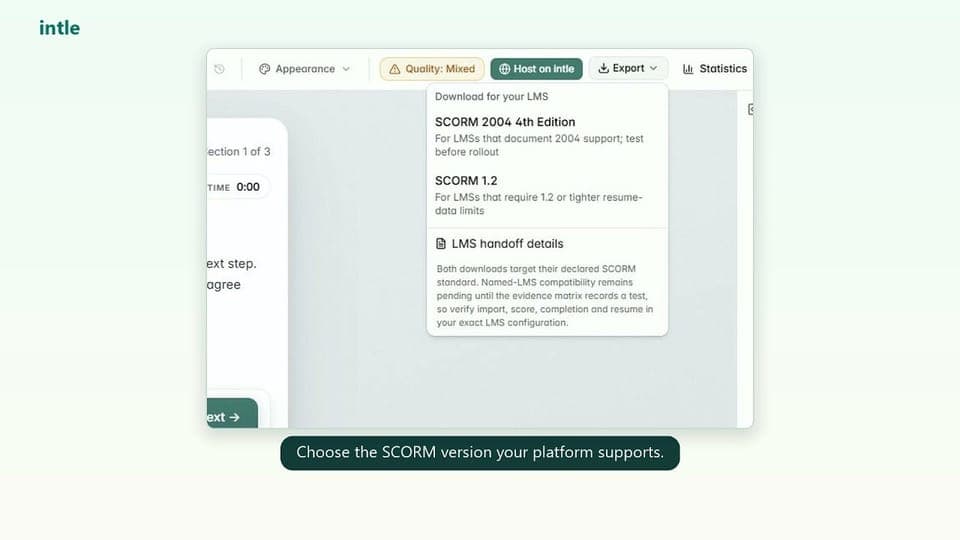
Choose 2004 or 1.2 → export → upload to LMS → LMS reporting.↓
Your dashboard. A continuing cycle.Saved creations → reopen in the editor → organise topics and refine → save → deliver again.
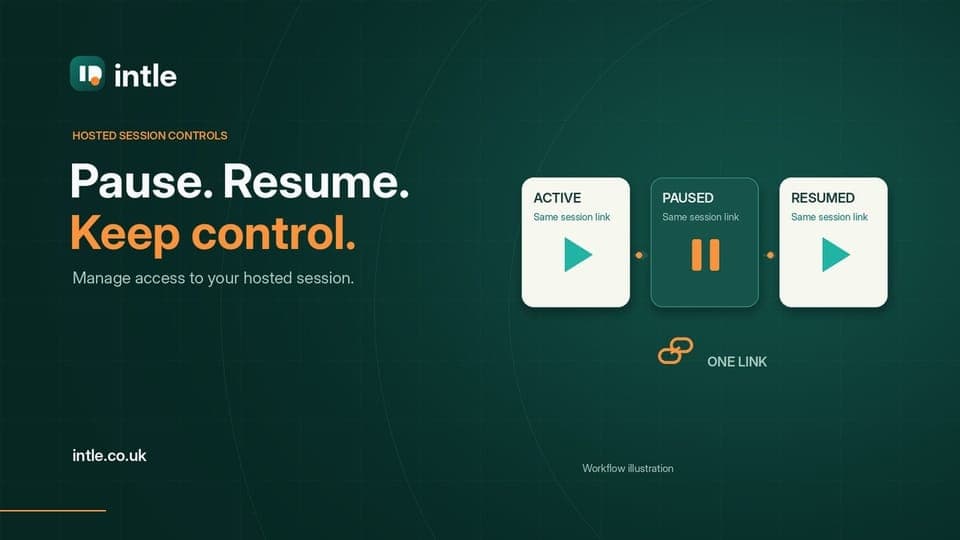
Reopen the same session
Eligible session ended early → same link, code, participants and results. Availability and concurrency limits still apply.Reuse for a new group
Saved content → fresh session → new link, code and history. Normal allowance; password not carried over.Update an LMS course
Refine the saved creation → export again → upload the revised package. Existing LMS copies do not change automatically.Topic grouping organises the sections inside a course’s editor. AI assistance is optional for manual authoring and eligible Intle-package recovery. Plan, retention, activity and delivery limits apply. The diagrams and controls are illustrations, not a connected product session.